Alongside their upcoming line up of Windows devices, Samsung saw fit to
reveal the successor to their Galaxy Note at their IFA press
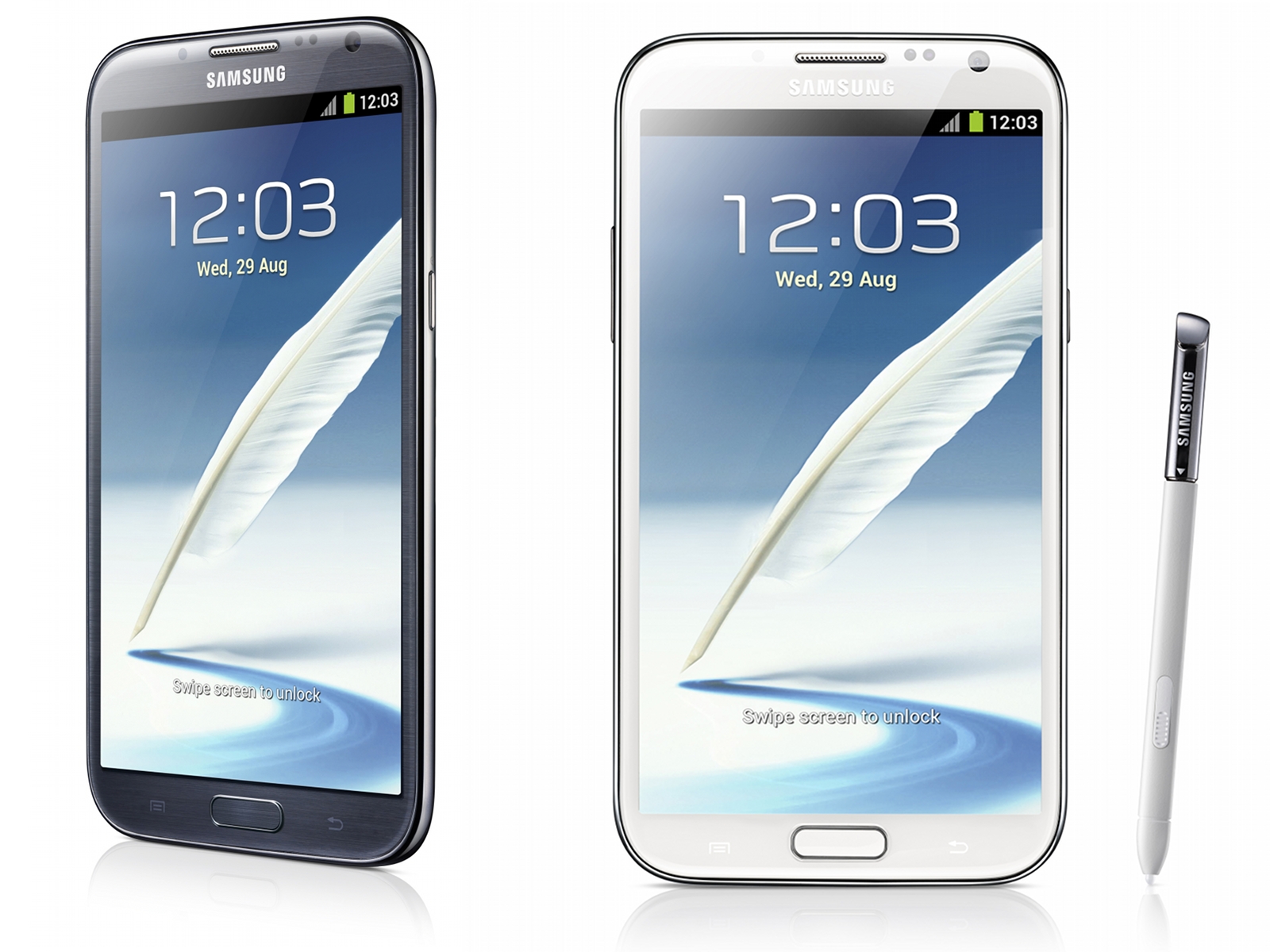
conference. The Samsung Galaxy Note II shares much of the same form
factor as its predecessor with significant silicon and software updates.
The screen remains a massive 5.5" 1280 x 720 HD Super AMOLED ordeal,
and the S Pen has gained a few tricks in the year that passed. The
processor is now the same Exynos 4 Quad (Exynos 4412) that premiered in
the international Galaxy S III. When the SGS3 landed on these shores it
swapped Exynos for the trappings of Qualcomm's MSM8960, and its LTE
baseband. Since then Korean variants of the SGS3 have cropped up that
include both the Exynos 4412 and LTE. If the Note 2 mirrors the Korean
SGS3 LTE variant then it's likely to have the same CMC221 baseband, also
seen in the Galaxy Nexus.
On the software side, the stylus-centric TouchWiz variant on hand is
actually running on Jelly Bean and will come with a few tricks not even
seen on the recent Galaxy Note 10.1. Popup Note takes the hovering
widget concept, which we've seen in other TouchWiz UIs, stretched to
include S Note; so notes can be taken with other apps visible and on
screen. Air View introduces a new hover behavior, that previews videos
and attachments in e-mails or links without the user having to open the
appropriate app. There's also a few new functions users can perform
within S Note, including Idea Visualizer, which inserts images based on
what handwritten keywords.







 Postingan

